20. More about QFramework.cs
Finally, all the content that I wanted to introduce has been covered.
If you want to further understand and learn QFramework.cs, you can refer to the following content.
Examples and projects using QFramework.cs
More examples can be found on the QFramework GitHub homepage.
Address:
It is recommended for Chinese users to open the Gitee version repository.
You can see the following content in the Readme:
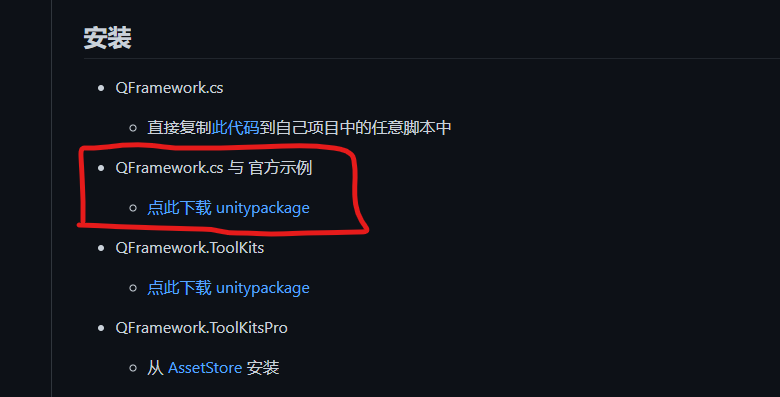
Here you can install QFramework.cs and official examples.
After clicking, click the download button in the figure below.
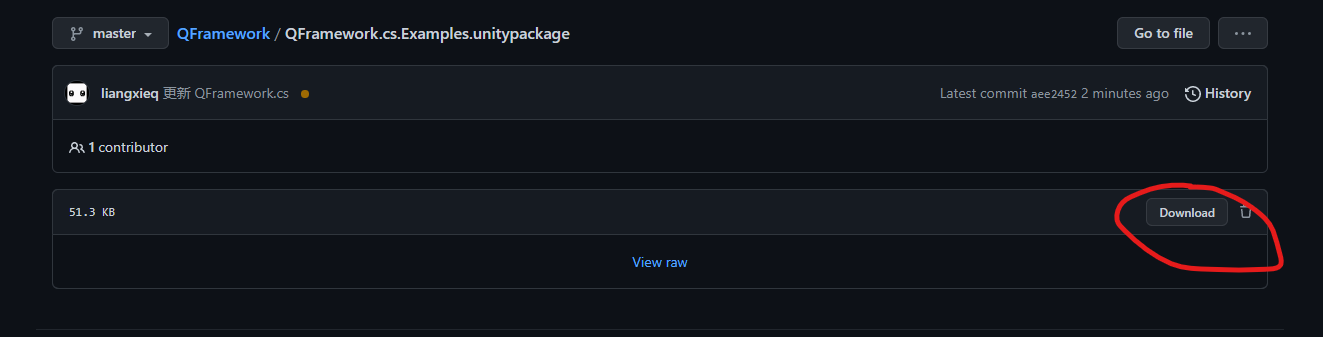
You can download the official QFramework.cs example.
In addition to the CounterApp included in this tutorial, there are many other examples in the example, such as:
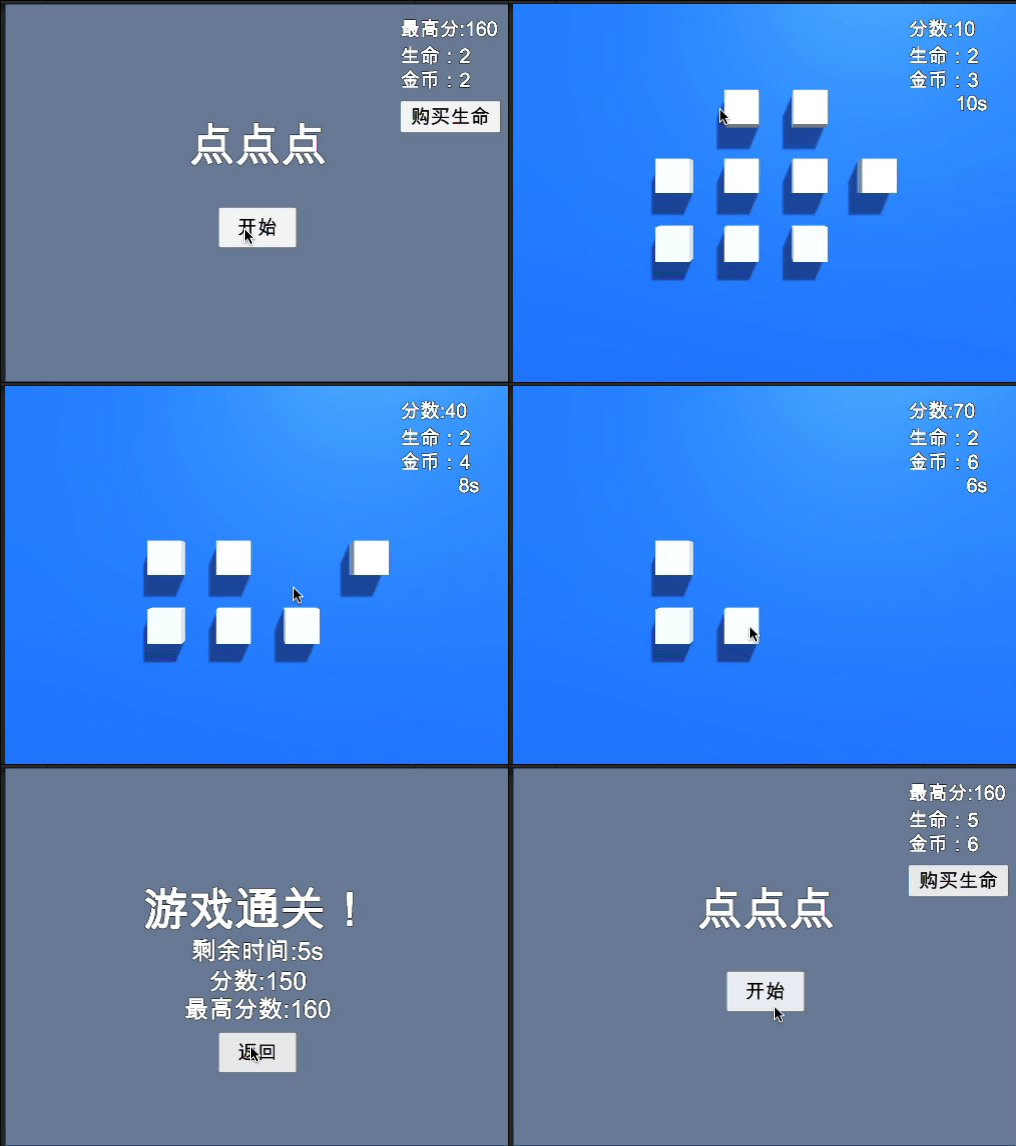
Mini game “Click Click Click”
Mini game “FlappyBird”
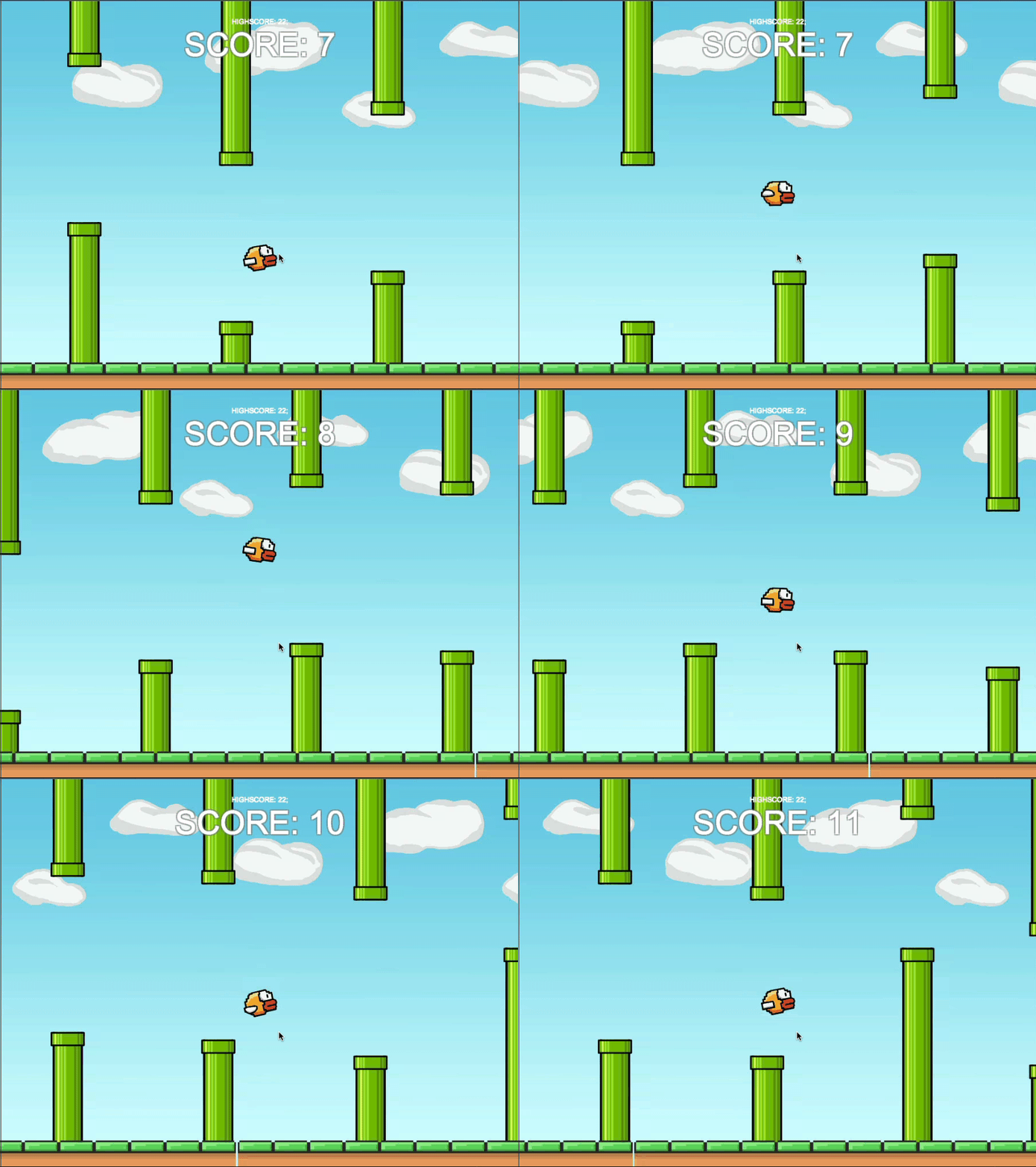
Author: Wang Er soso https://github.com/so-sos-so
Mini game “Cube Master”
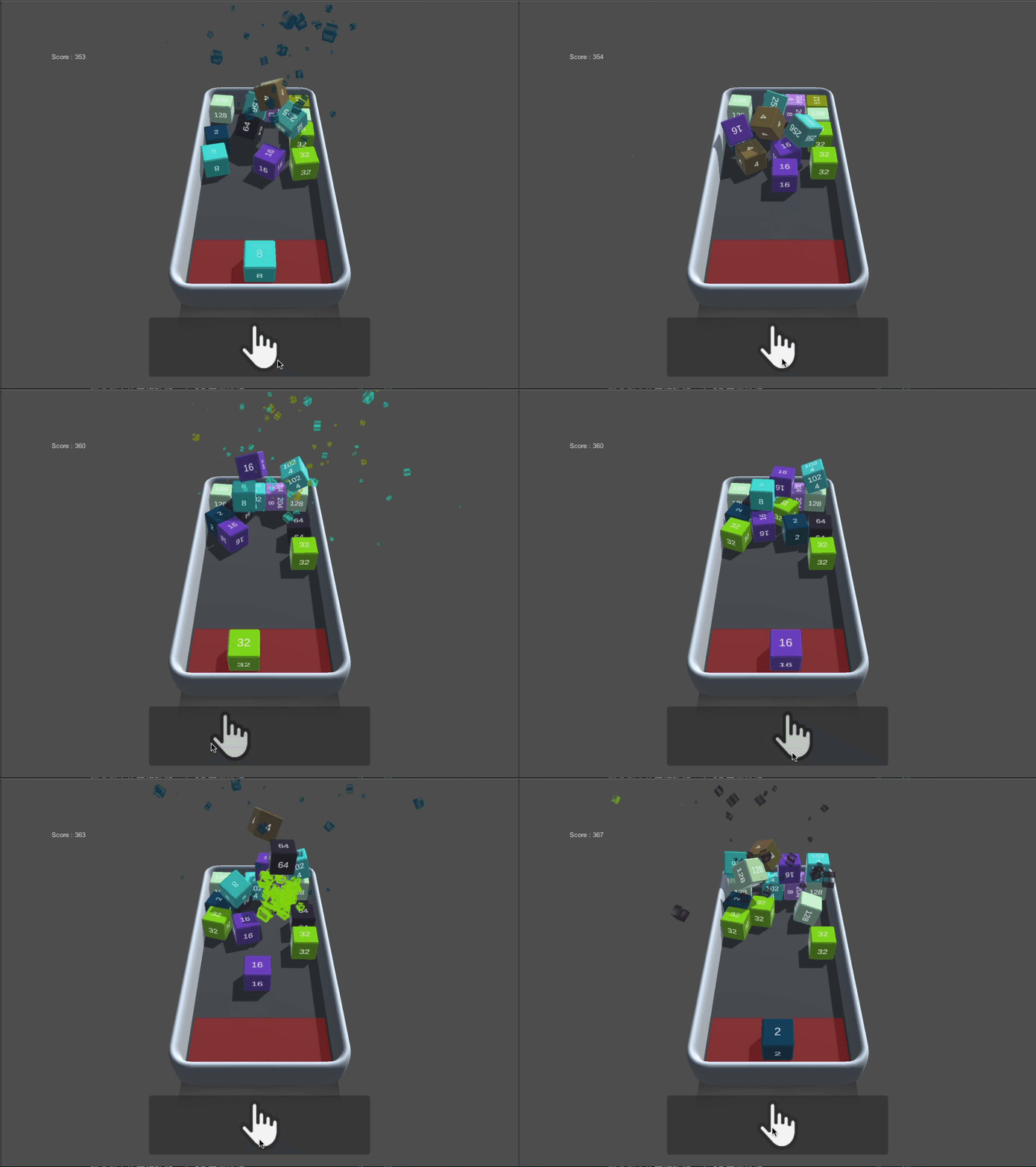
Author: Wang Er soso https://github.com/so-sos-so
Simple level editor 2D
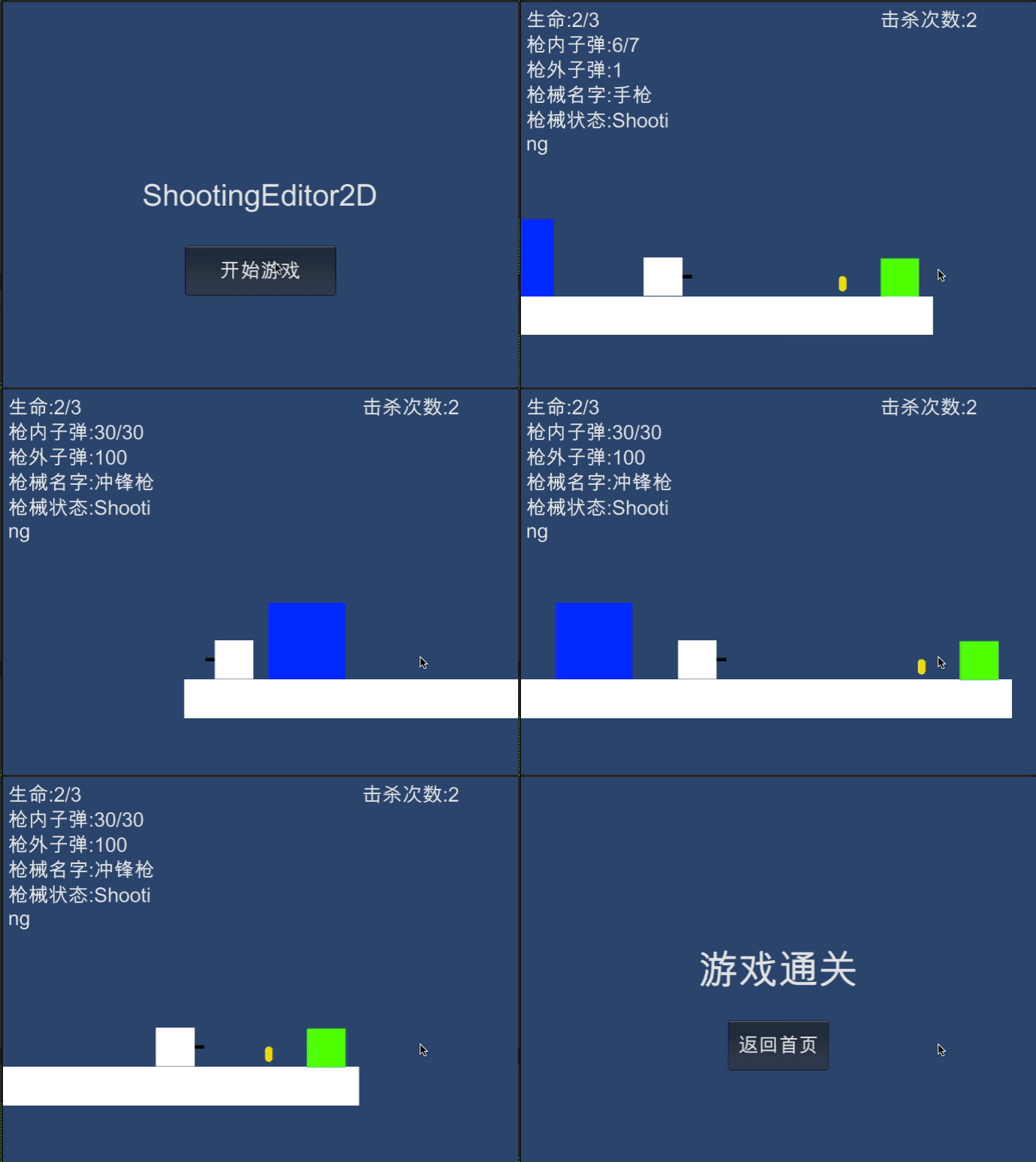
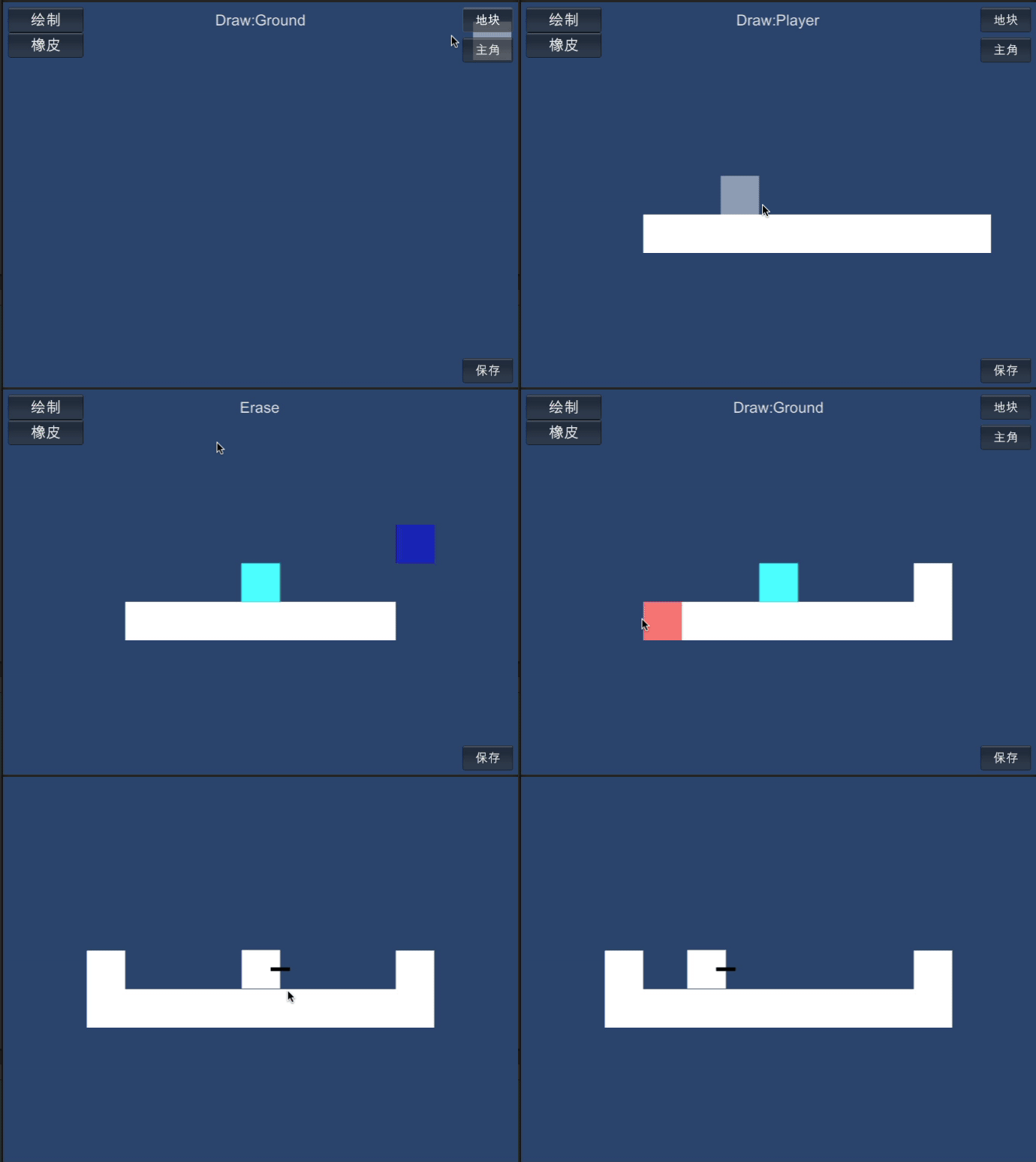
Mini game “Snake”
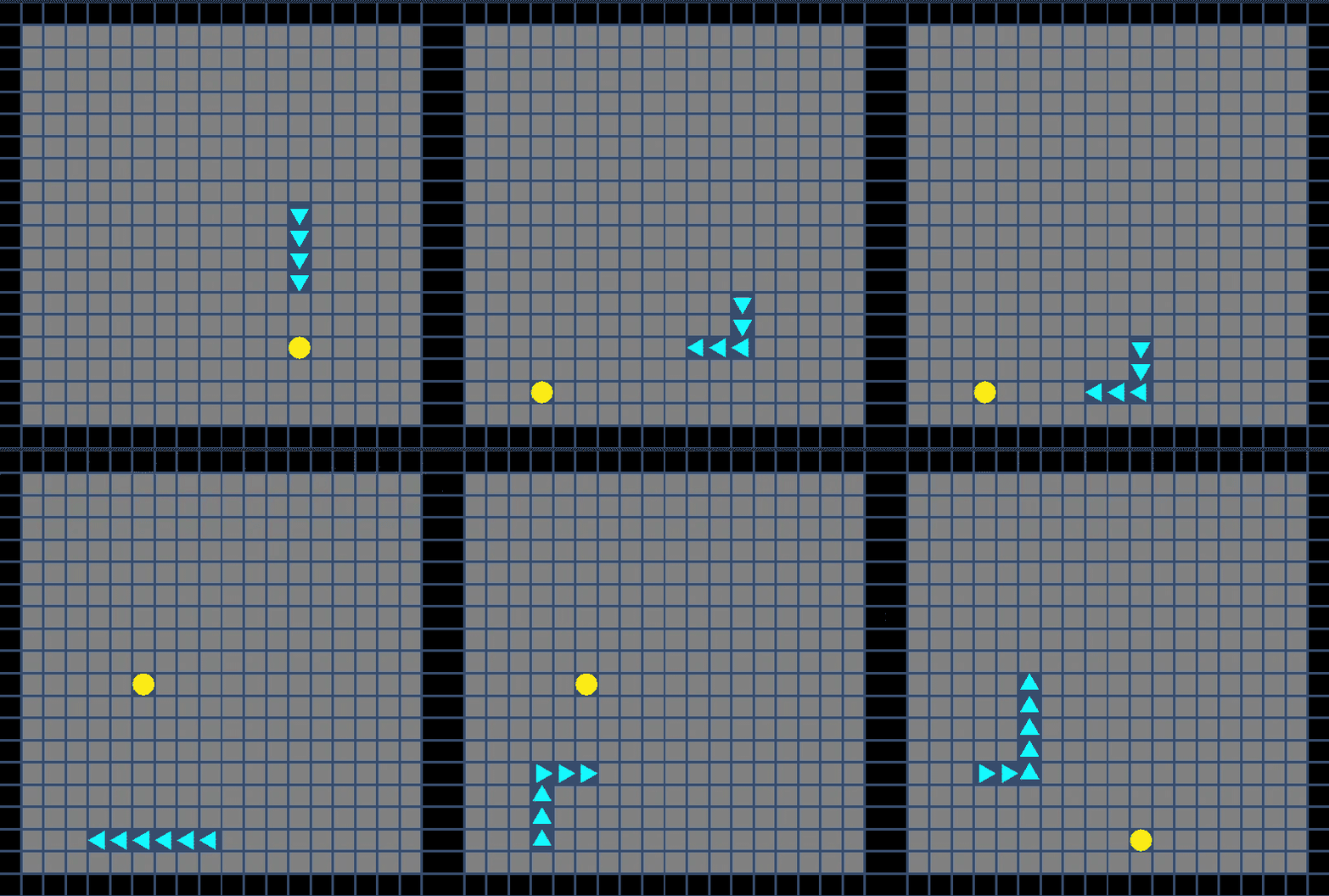
Author: A Shrimp https://gitee.com/PantyNeko/
All of the above examples are official examples made with QFramework.cs.
In addition, there is an open-source game made by group members.
CrazyCar
A Unity-made online racing game with SpringBoot + Mybatis backend. The game uses the QFramework framework and supports KCP and WebSocket networks (commercial grade).
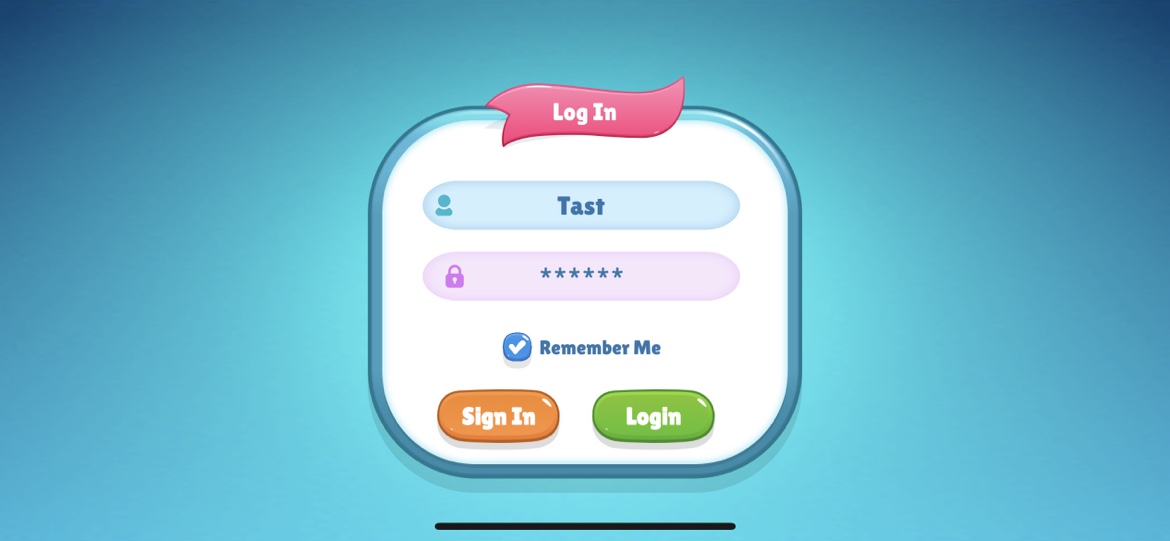
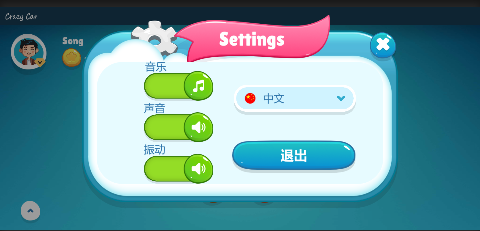
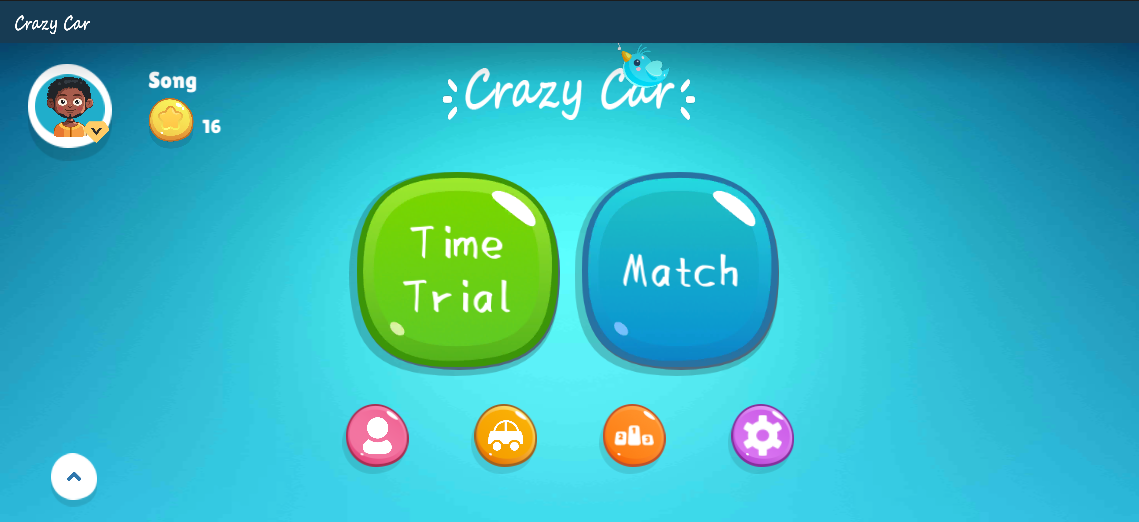
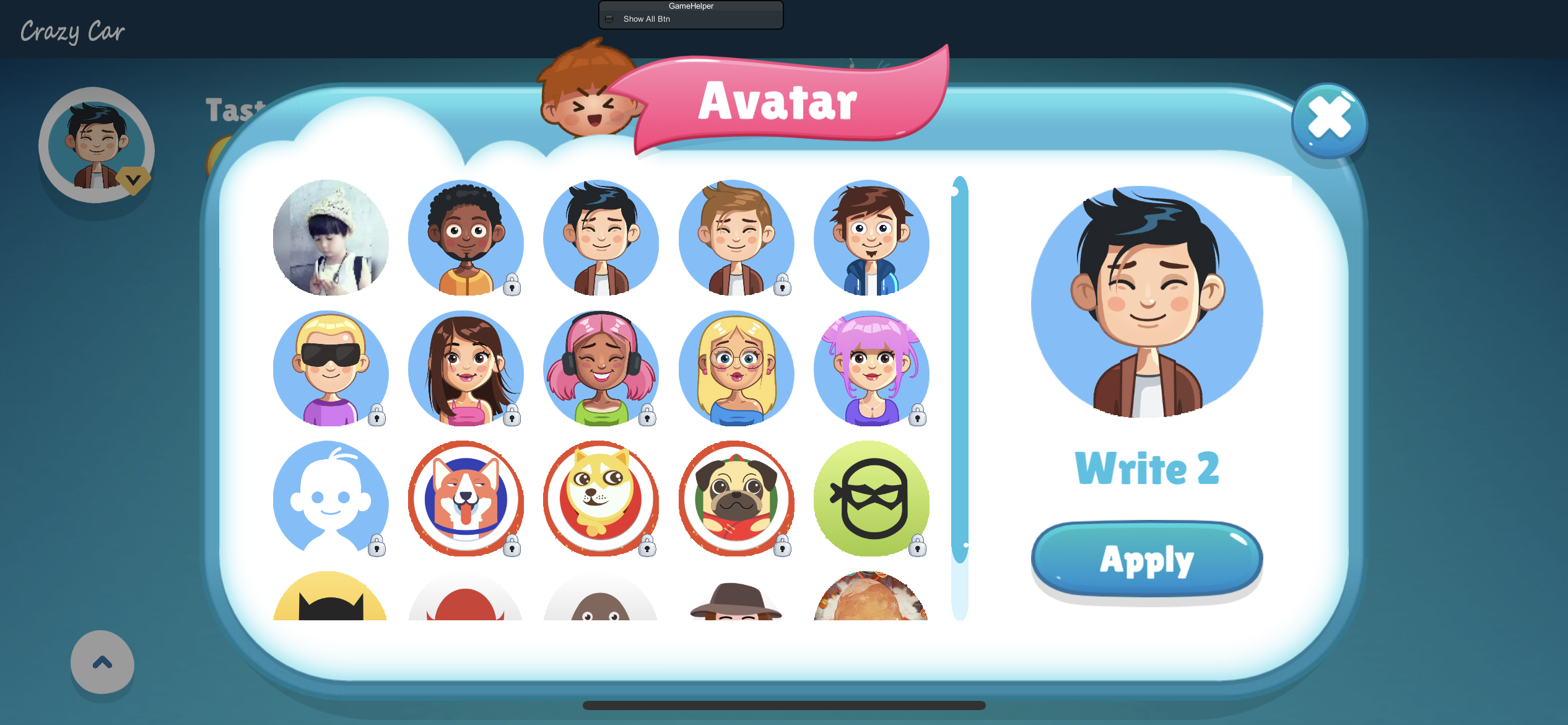
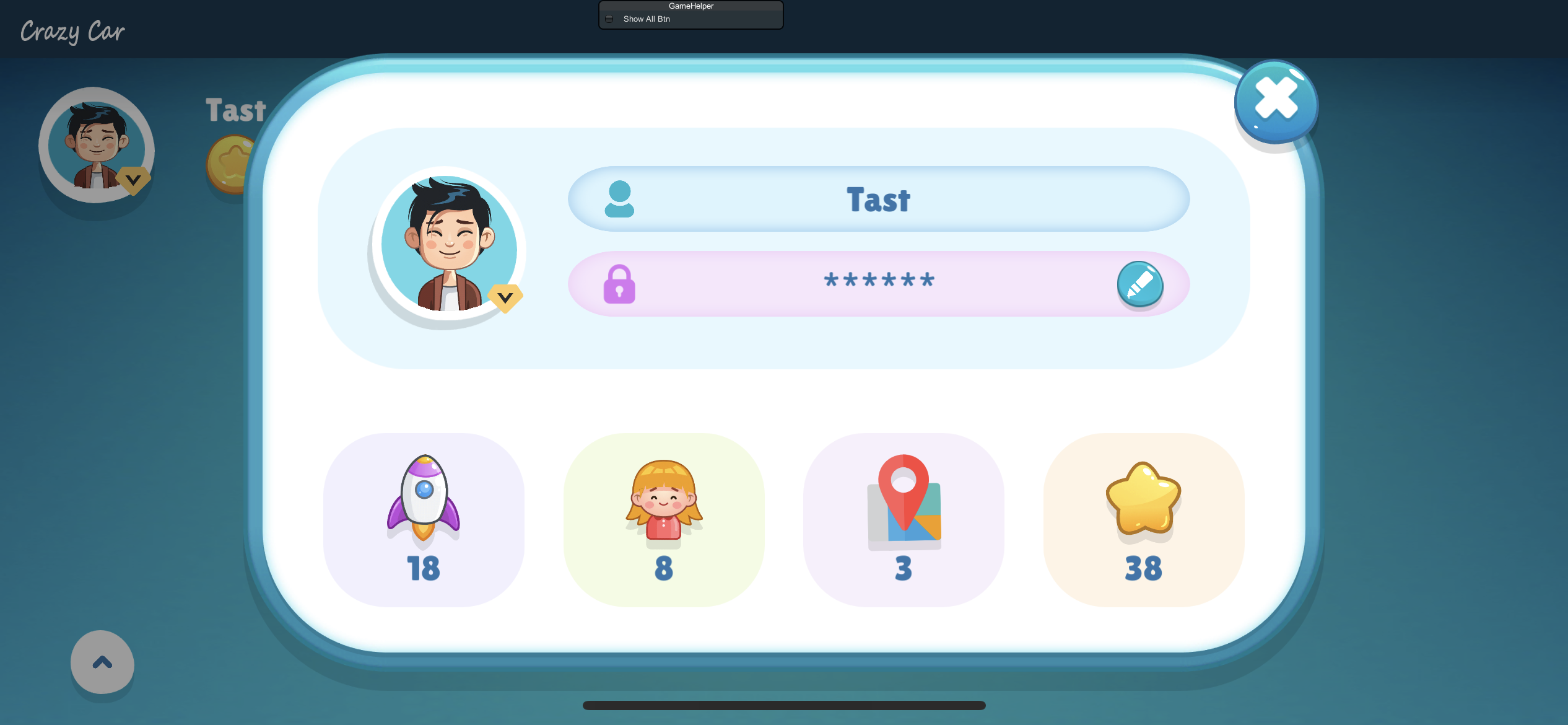
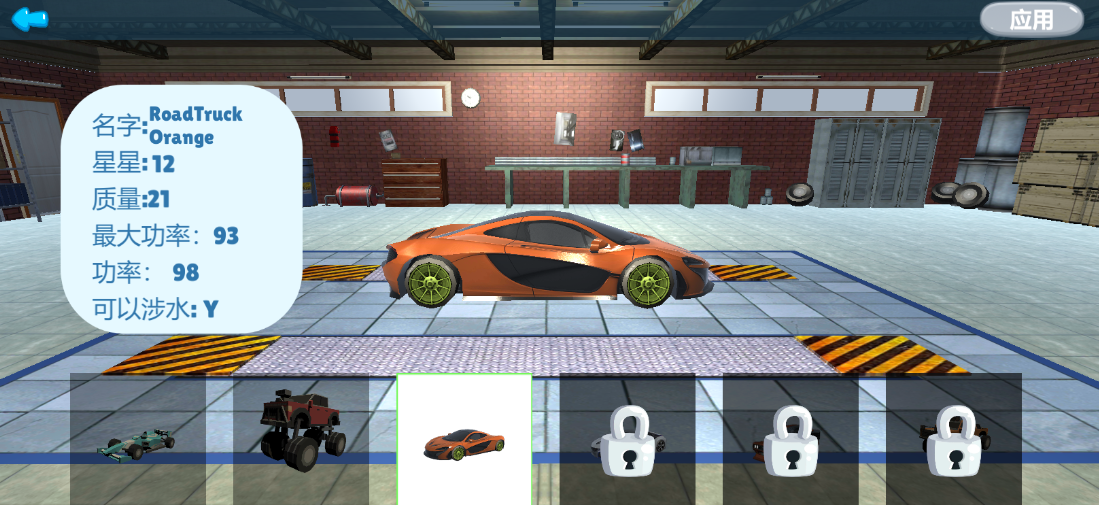
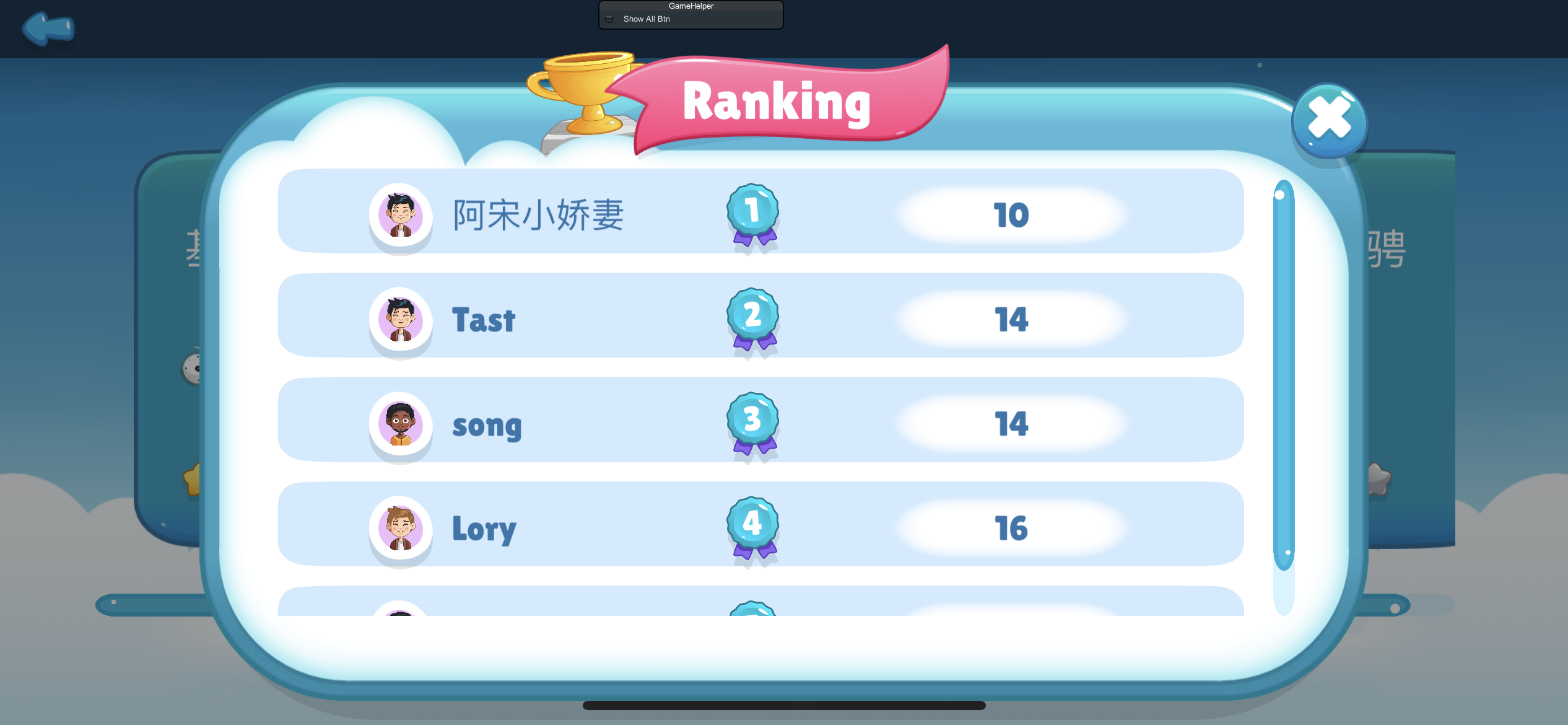
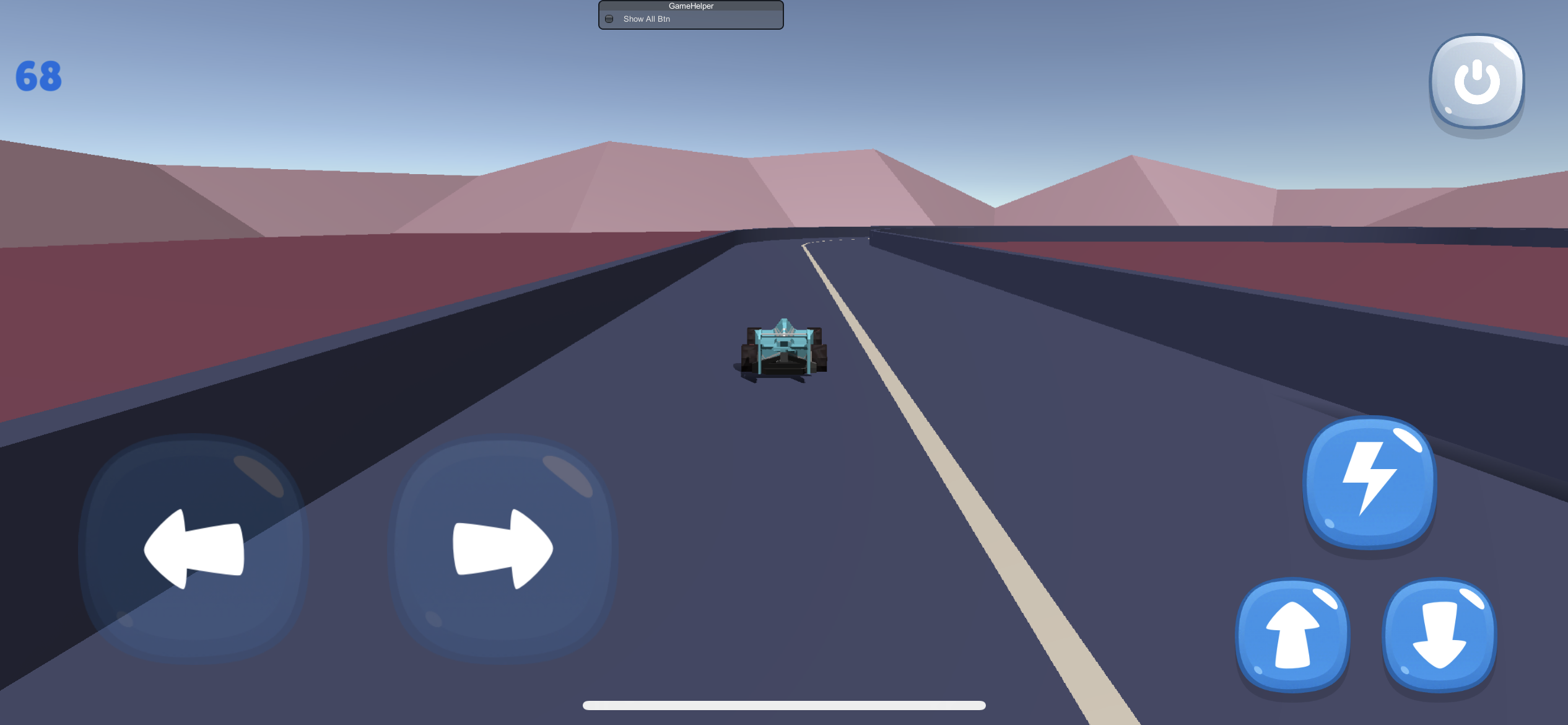

Author: TastSone https://github.com/TastSong
Project address: https://github.com/TastSong/CrazyCar
How did the architecture of QFramework.cs evolve?
The current version of the architecture of QFramework.cs was designed from the “Framework Construction Final Version”. If you learn this course, you can have a deeper understanding of the principles and concepts of QFramework.cs, making it easier to modify and customize.
“Framework Construction Final Version” B station trial listening: https://www.bilibili.com/video/BV1wh411U7X6
“Framework Construction Final Version” complete version
Unity official Chinese classroom: https://learn.u3d.cn/tutorial/framework_design
Siki Academy: https://www.sikiedu.com/my/course/871
GamePix Independent Game Academy: https://www.gamepixedu.com/my/course/2
In addition, many of the tools included in QFramework.Toolkits and QFramework.ToolkitsPro are designed by QFramework.cs, and the source code of the tools themselves is also good learning material.