08. FluentAPI Chain API
Introduction to FluentAPI
FluentAPI is a chain encapsulation of some Unity APIs accumulated by the author.
The basic usage is very simple, as follows:
// traditional stylevar playerPrefab = Resources.Load<GameObject>("no prefab don't run");
var playerObj = Instantiate(playerPrefab);

playerObj.transform.SetParent(null);
playerObj.transform.localRotation = Quaternion.identity;
playerObj.transform.localPosition = Vector3.left;
playerObj.transform.localScale = Vector3.one;
playerObj.layer = 1;
playerObj.layer = LayerMask.GetMask("Default");

Debug.Log("playerPrefab instantiated");

// Extension's Style,same as above
Resources.Load<GameObject>("playerPrefab")
    .Instantiate()
    .transform
    .Parent(null)
    .LocalRotationIdentity()
    .LocalPosition(Vector3.left)
    .LocalScaleIdentity()
    .Layer(1)
    .Layer("Default")
    .ApplySelfTo(_ => { Debug.Log("playerPrefab instantiated"); });
The code is very simple.
FluentAPI contains chain encapsulations of more than 100 commonly used APIs, which can be referred to in the documentation in the editor.
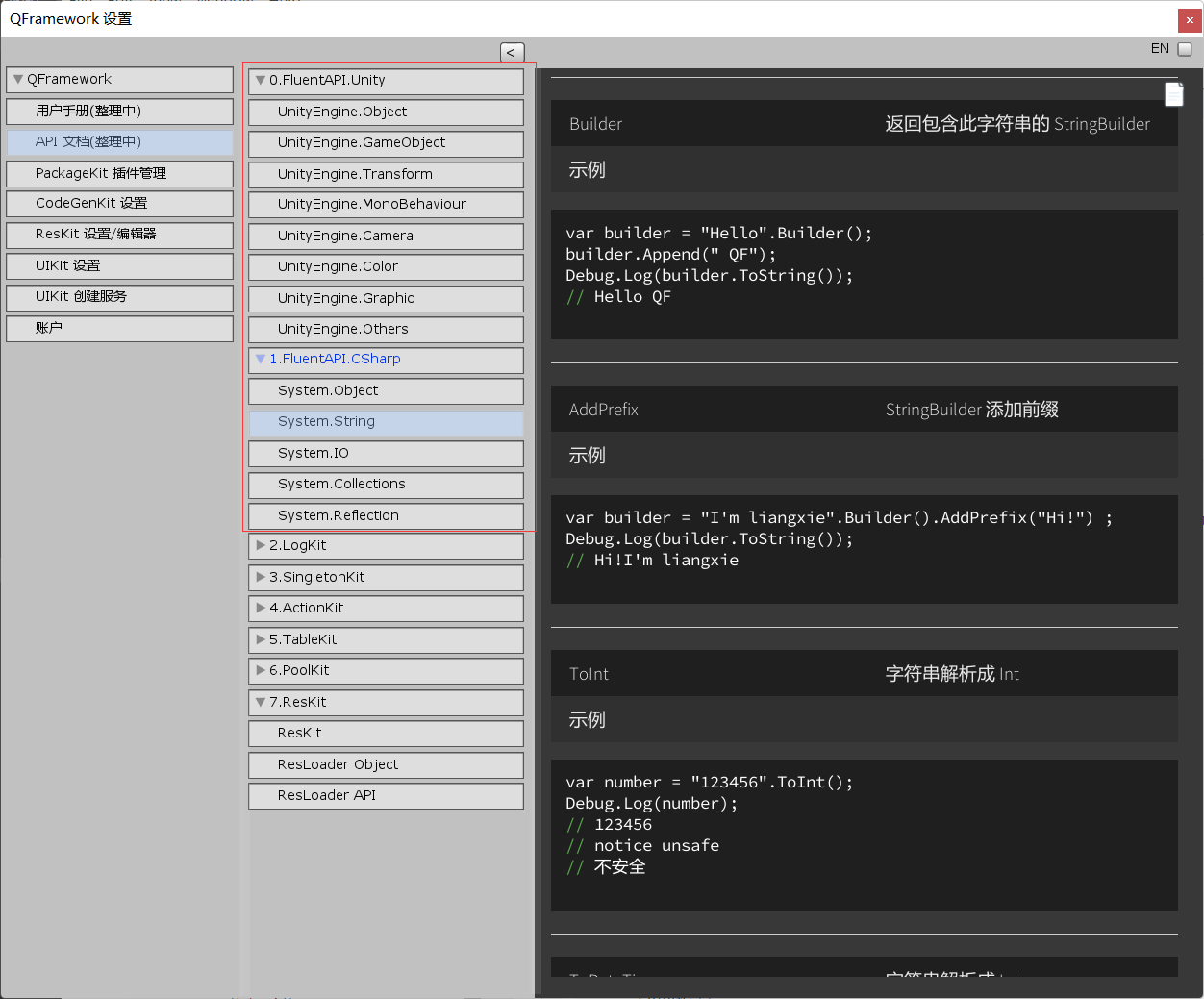
In addition, chain APIs can be used in conjunction with other modules of QFramework to achieve twice the result with half the effort. For example, ResKit and FluentAPI are combined, and the reference code is as follows:
mResLoader.LoadSync<GameObject>("mygameobj")
  .InstantiateWithParent(parent)
  .transform
  .LocalIdentity()
  .Name("MyGameObj")
  .Show();
That’s all for the introduction to chain APIs.